
OUTBOX - for Campaigns
In 2017 we published a blog post that showed how to create Campaign Templates in a dedicated App that referenced an Outbox App for sending emails. This solution uses Advanced Workflows and GlobiMail Event Webhooks to track the delivery and open rates, compiling the data for reporting purposes.
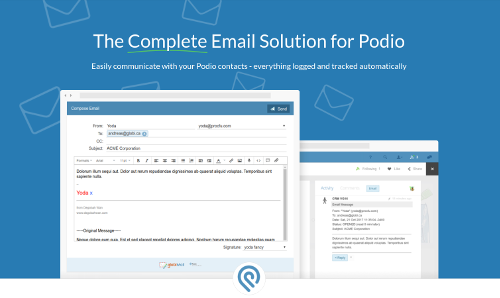
Updates to our features allow you to take this even further. Build HTML Email Templates directly in GlobiMail to help with Unsubscribe Links and comply with Spam Laws, use Automation Triggers on changes to Email Status to remove complex flows, and more. These updates are detailed below:
- 🚗Automation Triggers
Direction and Event hooks can be set as Automations to update the category fields and replace the use of the Post action.


- 📚Email Templates
Use templates to design beautiful HTML emails.
- Verify result = "ok" when sending emails to ensure no errors during processing.


- Verify result = "ok" when sending emails to ensure no errors during processing.


- 🖱️Insert Podio Fields
Use Merge Tags to insert data from an App directly into the template.
View 📚Email Templates for more info.❗GF strips the HTML from multi-line text fields in Post actions. If using custom merge tags, hold the data in a custom var first and then use that token in the flow action.
- Unsubscribe Link
These links are added automatically to the template. If a customer has previously reported spam, any future emails sent to this contact will not be delivered.
Track your unsubscribes to remove these from your mailing list right away.
